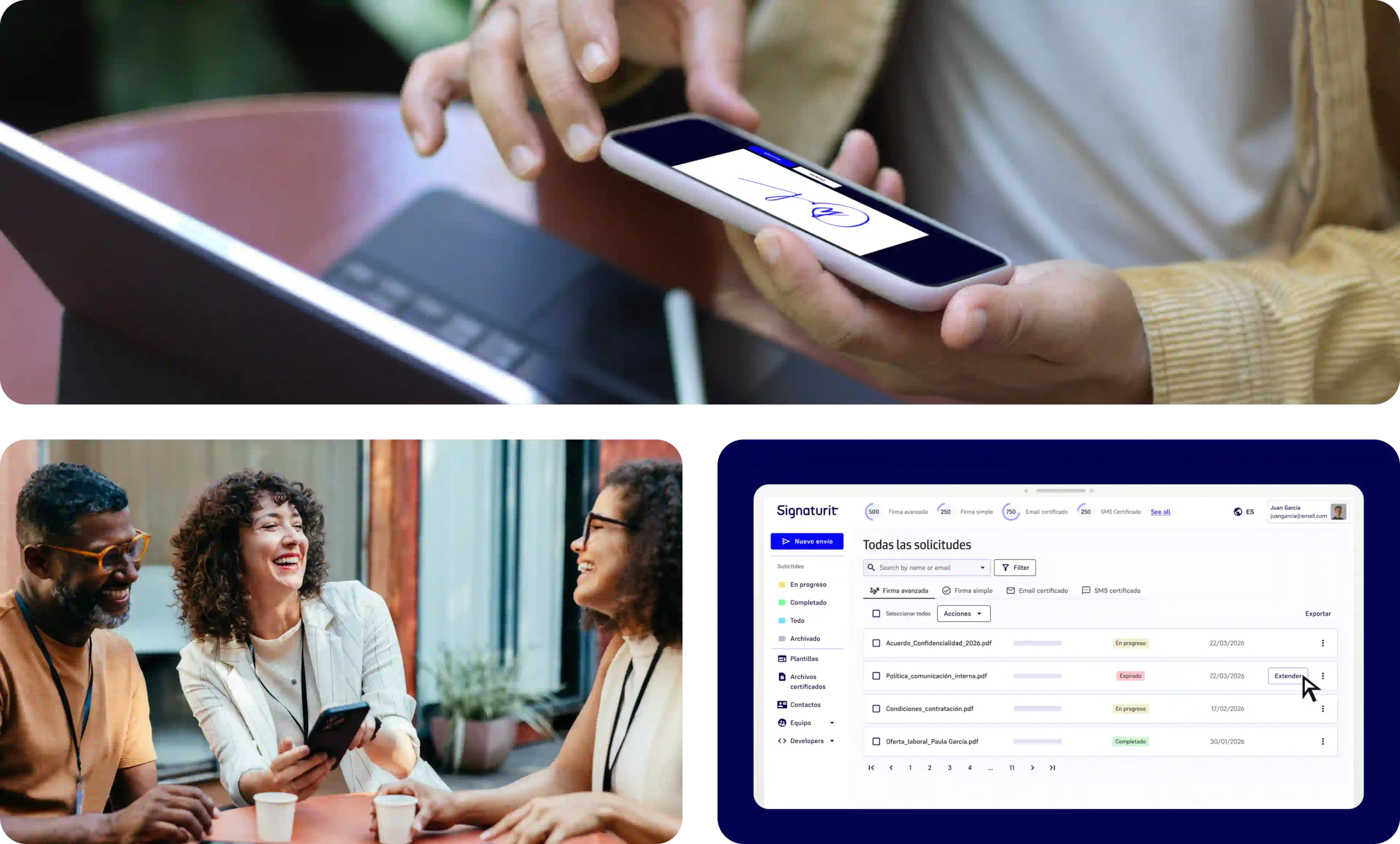
Close deals online or in person, always quickly and with full legal validity.
Customers
Step-by-step
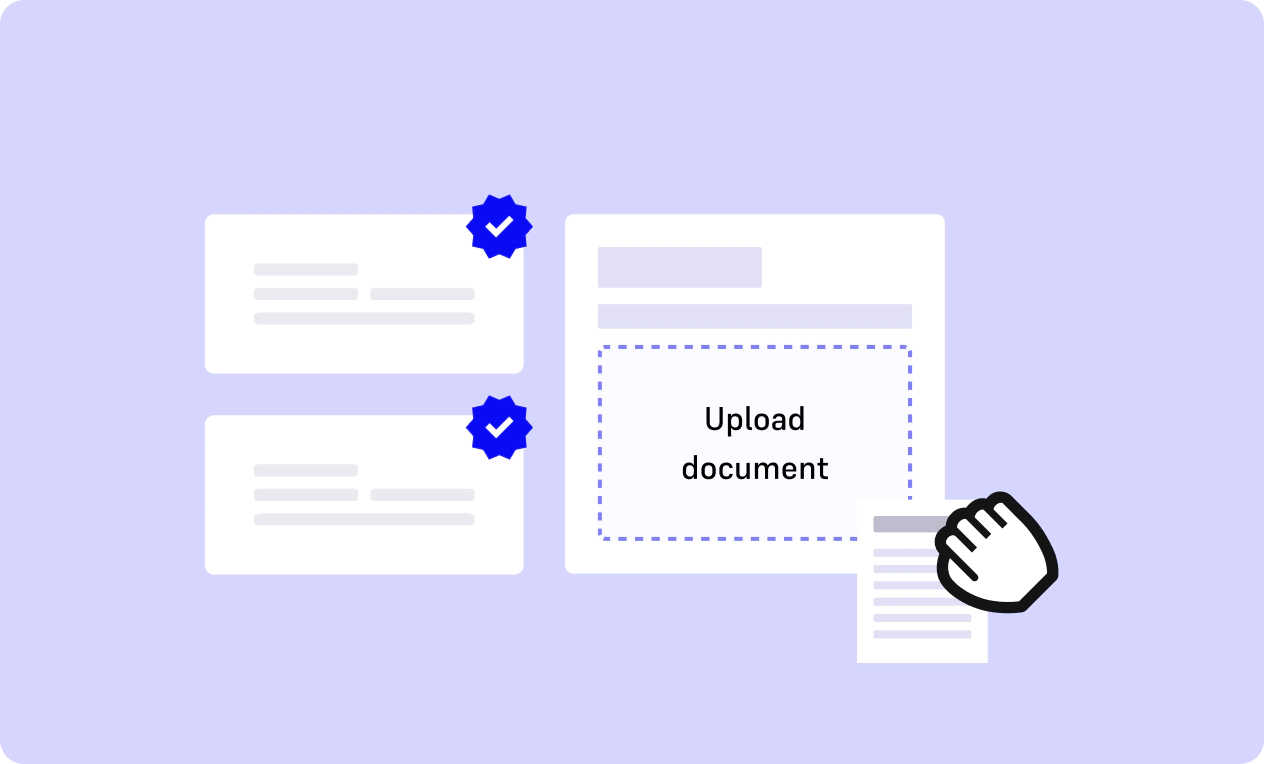
Upload the document or contract you need to send for signature to our platform, in PDF or Word format. When you are ready, click ‘Send’ to send it to the signatory.
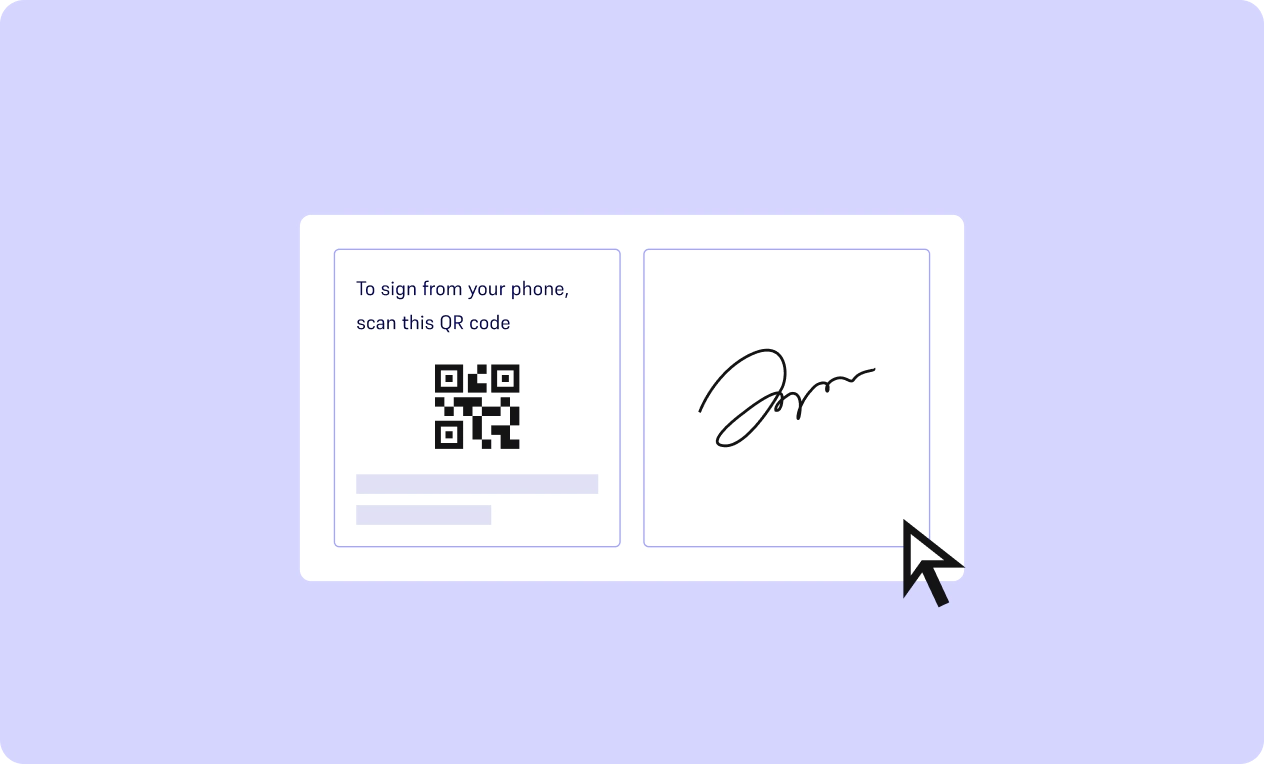
The signatory will receive the contract in their email. They can sign it at any time, from their computer, tablet or mobile phone, without installing any additional apps.
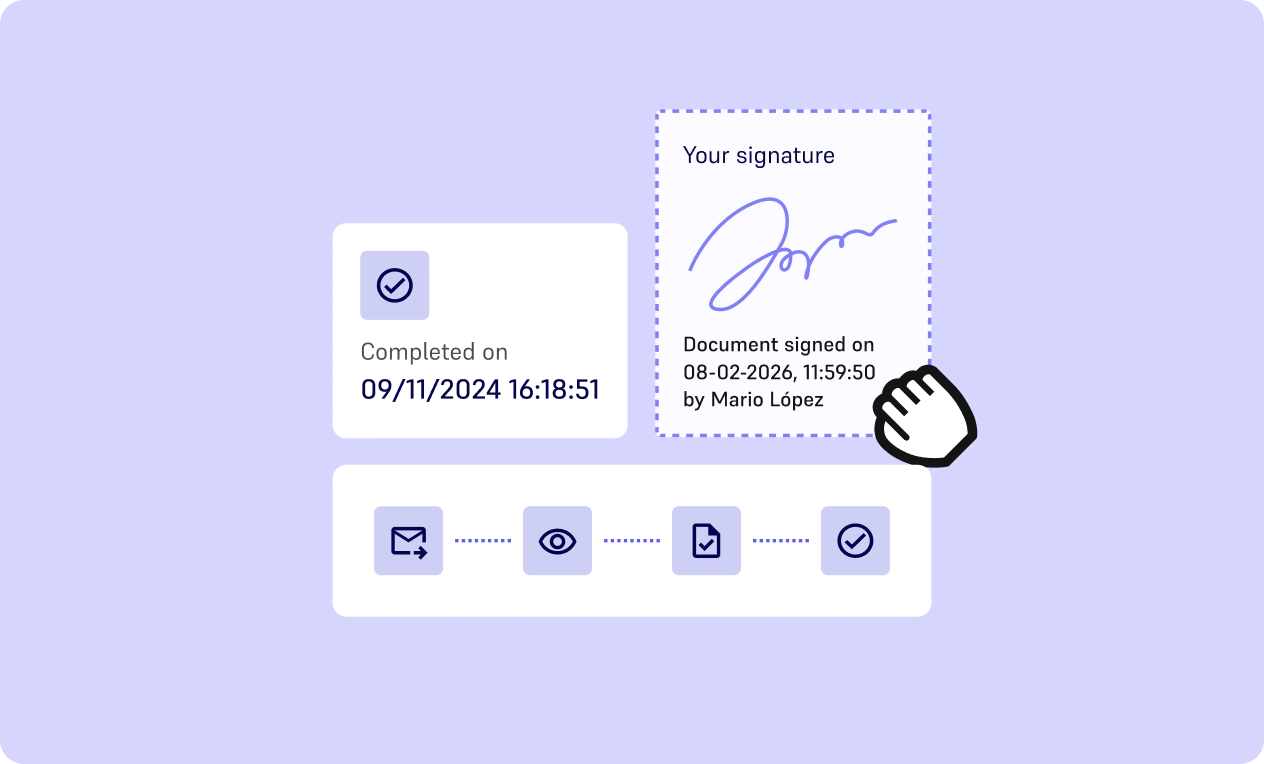
From our platform, you can follow the signing process in real time, check whether the document has been signed, automate deliveries, create reminders, and much more.
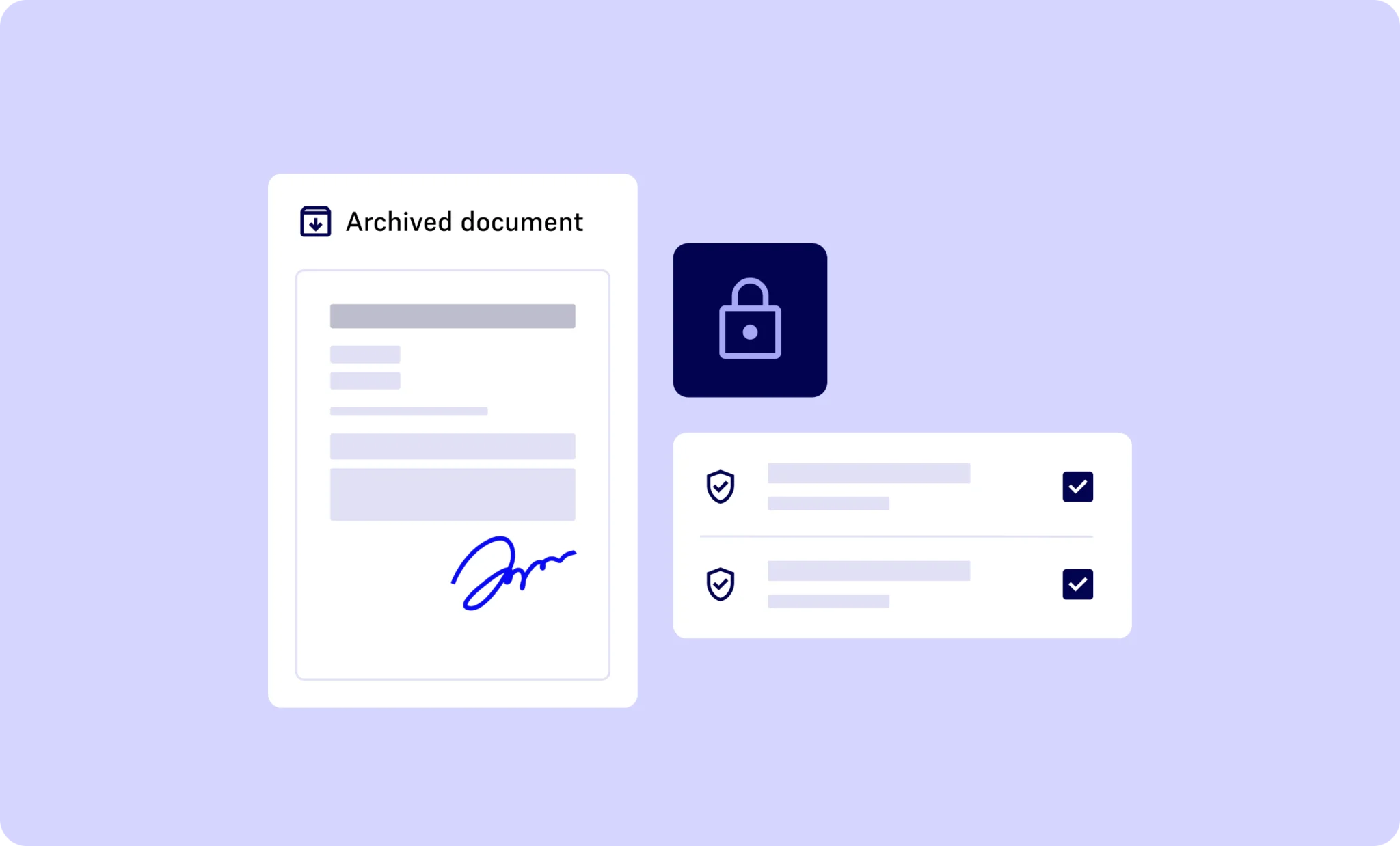
Your signed document and its complete evidence file are securely stored in our platform. Access them at any time to ensure full traceability and legal compliance.
It consists of signing with a click.
It is very easy to use, but despite having probative value, it does not allow the signatory to be uniquely identified.
The signatory signs with their digital certificate, issued by third parties.
A digital certificate is the only means of technically and legally guaranteeing a person’s identity on the Internet.
The signatory completes the process using a unique code received by SMS, ensuring a simple and quick signing experience.
The integrity of the document is assured and the identity of the signatory is confirmed unequivocally.
The signer provides their handwritten signature in a face-to-face environment, offering an intuitive and natural experience similar to signing on paper.
This solution also allows for offline signing, ensuring document integrity and capturing high-quality biometric data through the use of a stylus.
The signatory uses a qualified electronic certificate, issued by an accredited provider and stored on a secure device.
This type of signature offers the highest level of legal certainty, guaranteeing the integrity of the document and the verified identification of the signatory.
• Employment contracts, temporary and permanent.
• Occupational risk prevention.
• Receipts for delivery of equipment and work materials.
• Others.
• Lease agreements.
• Reservation and deposit agreements.
• Private purchase agreements.
• Others.
• Insurance policies.
• SEPA mandates.
• Account or address change forms.
• Others.
• Job offers.
• Temporary and permanent employment contracts.
• Personal data protection agreements.
• Others.
• Purchase and sale agreements.
• Purchase orders.
• Service agreements.
• Others.
• Minutes of board meetings.
• Notices of shareholders’ meetings.
• Shareholder agreements and investment contracts.
• Others.
Learn about
What are the different types of signatures defined by eIDAS?
The eIDAS regulation defines two levels of electronic signatures: advanced and qualified.
The simple electronic signature is also widely used for low-risk operations.
Simple electronic signature:
A quick and easy process suitable for low-risk documents. SMS authentication can be added to increase security if needed.
Advanced electronic signature:
verifying the signer’s identity and issuing a digital signature certificate valid for 3 years. This ensures a strong link between the signer and the signed document.
Qualified electronic signature:
The highest signature level under eIDAS. It requires online identification compliant with the regulation, issues a qualified certificate valid for 5 years, and includes two-factor authentication during signing. It has the same legal value as a handwritten signature.
Are electronic signatures legally valid?
Yes. Signaturit provides a trust service fully compliant with the European legal framework (eIDAS).
All electronic signatures, including advanced and qualified levels, are legally binding and offer strong guarantees of integrity, authenticity, and evidential value.
Can I sign my documents on mobile?
Yes. You can complete a digital signature any smartphone or tablet without installing an app. Signing is done directly in the browser.
How much does Signaturit cost?
The price depends on your usage and organizational needs. You can check our pricing page to see the different plans suitable for freelancers, SMEs, and large companies looking for electronic document signing tools.
Is there a free plan or trial?
Yes. You can try the platform for free for 14 days, without a credit card. This trial allows you to explore the main features our digital signature service and experiment with sending and signing documents online.
What type of support do you offer?
We offer different levels of support depending on each client’s needs. All clients automatically receive standard support, including access to our documentation, Help Center, system availability monitoring, and our support team.
What types of documents can I have signed with Signaturit?
You can have most common documents signed: contracts, commercial agreements, quotes, SEPA mandates, HR forms, legal documents, and more. The platform supports common formats, including PDF, Word, and other office formats.
Is electronic signing secure?
Yes. Signaturit applies several security measures, including data encryption, complete audit trail with timestamp, strong authentication, and eIDAS-compliant digital certificates. These measures ensure the integrity of the document and the identification of the signer.
How do I digitally sign a document with Signaturit?
To digitally sign a document with Signaturit, simply upload your file (PDF, Word, etc.) to our digital signature platform, add your recipients, and send the online signature request.
Signers receive a secure link that allows them to complete the e-signature from any device, without creating an account.
The online signature process automatically includes an audit trail, identity verification, and an electronic signature certificate ensuring the validity of the signed document.